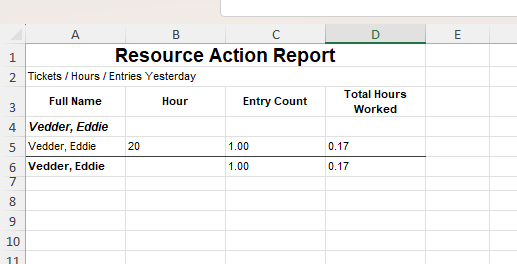
Image 1 of 4
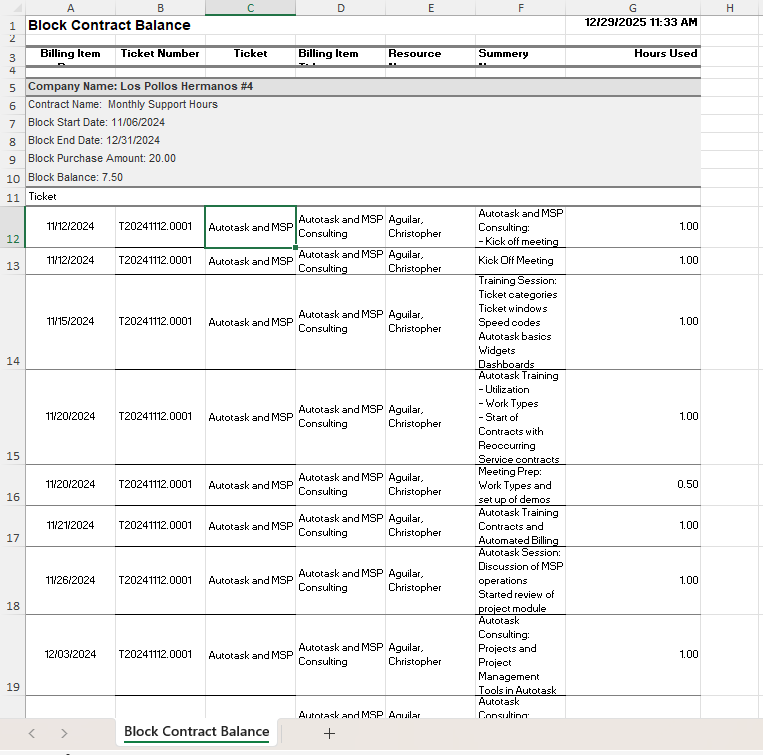
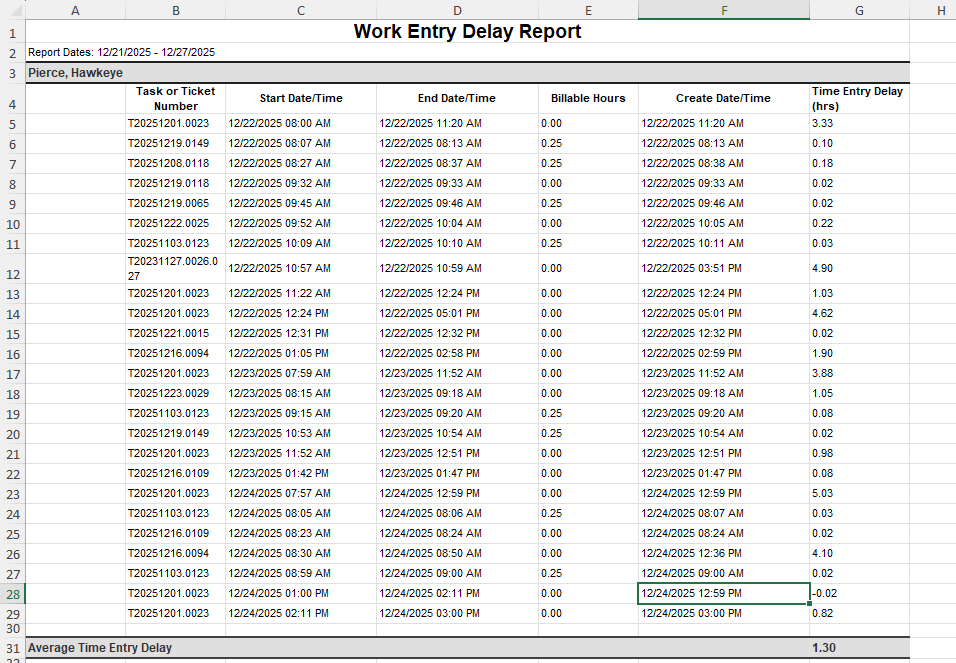 Image 2 of 4
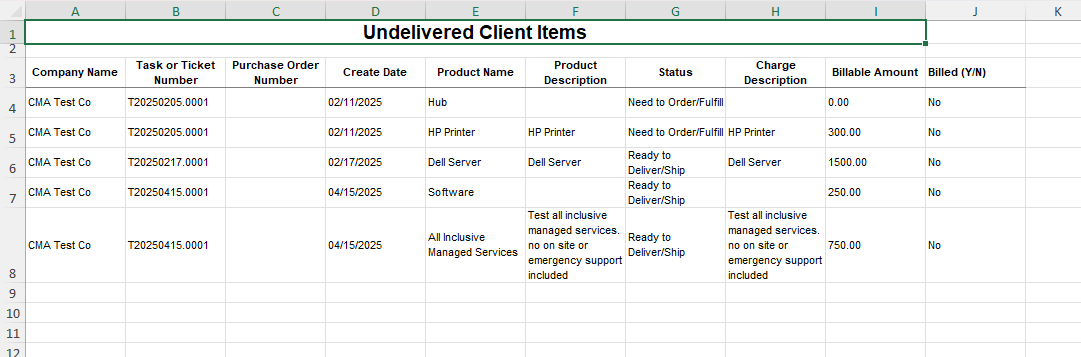
 Image 3 of 4
 Image 4 of 4
This report shows the actual time work began and ended on a ticket and pairs it with the time entry that was logged. The result? Any delay between when work happened and when it was entered becomes visible — instantly.
If a technician starts work at 9:00 AM, stops at 9:42 AM, and doesn’t record the entry until 11:30 AM, that gap shows up. Multiply that across a team and you get a clear picture of who is logging accurately in real time, who’s falling behind, and where documentation discipline is slipping.
This report doubles as a utilization visibility tool and a coaching guide. It reveals patterns that point to training needs, time-entry avoidance, ticket-hopping, or workload overload that’s forcing entries to pile up.
When time entry feels like guesswork, this is your audit trail.
✔️ Service desk managers & team leads
✔️ Coaching new techs on PSA habits
✔️ Billing accuracy & real-time entry compliance
✔️ Finding documentation blind spots
✔️ Process improvement without micromanaging
When work actually happened vs when it was entered
Which techs are logging in real time vs hours later
Gaps in utilization that kill billing accuracy
Training & accountability opportunities
Whether PSA processes are being followed or ignored
📄 PDF Build Guide
Step-by-step walkthrough of the entire build
Every formula included + appendix for copy/paste
Field-by-field explanations so you actually learn LiveReports
🔧 Format & Structure Training
Why each step exists (not just “click here”)
Understand how LiveReports think so you can modify confidently
🎥 Support & Fine Tuning
Email support included
Short video explainers to help with tuning your layout
🚀 Optional Install Help (Add-On)
Available when bundling multiple reports
I’ll install and tune it with you in your tenant
🔌 Plug-and-Play Ready
Built for most Autotask tenants
✨ Bonus
Use the formatting approach to build your own audit & performance reports
Autotask LiveReports access
Time entry & work start/stop tracking in use
This report shows the actual time work began and ended on a ticket and pairs it with the time entry that was logged. The result? Any delay between when work happened and when it was entered becomes visible — instantly.
If a technician starts work at 9:00 AM, stops at 9:42 AM, and doesn’t record the entry until 11:30 AM, that gap shows up. Multiply that across a team and you get a clear picture of who is logging accurately in real time, who’s falling behind, and where documentation discipline is slipping.
This report doubles as a utilization visibility tool and a coaching guide. It reveals patterns that point to training needs, time-entry avoidance, ticket-hopping, or workload overload that’s forcing entries to pile up.
When time entry feels like guesswork, this is your audit trail.
✔️ Service desk managers & team leads
✔️ Coaching new techs on PSA habits
✔️ Billing accuracy & real-time entry compliance
✔️ Finding documentation blind spots
✔️ Process improvement without micromanaging
When work actually happened vs when it was entered
Which techs are logging in real time vs hours later
Gaps in utilization that kill billing accuracy
Training & accountability opportunities
Whether PSA processes are being followed or ignored
📄 PDF Build Guide
Step-by-step walkthrough of the entire build
Every formula included + appendix for copy/paste
Field-by-field explanations so you actually learn LiveReports
🔧 Format & Structure Training
Why each step exists (not just “click here”)
Understand how LiveReports think so you can modify confidently
🎥 Support & Fine Tuning
Email support included
Short video explainers to help with tuning your layout
🚀 Optional Install Help (Add-On)
Available when bundling multiple reports
I’ll install and tune it with you in your tenant
🔌 Plug-and-Play Ready
Built for most Autotask tenants
✨ Bonus
Use the formatting approach to build your own audit & performance reports
Autotask LiveReports access
Time entry & work start/stop tracking in use